





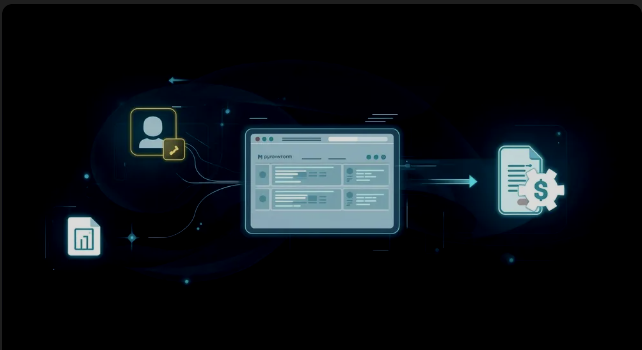
You've mastered the internal machinery of GoHighLevel—capturing leads, booking appointments, and automating follow-up. But if your main website is still running on a separate, third-party platform, you’re losing time, breaking connections, and actively hindering your sales velocity. It’s time to unify your efforts and make your digital storefront an integrated conversion powerhouse.
Feature: Native Website & Blog Builder (Unified Digital Storefront)
The GoHighLevel (GHL) platform natively solves the common integration problem by providing a unified digital storefront where your website, blog, and CRM live together, converting browsing interest directly into qualified, tracked leads.
- Website Builder: A sophisticated drag-and-drop tool that eliminates the need for separate, external website platforms (like WordPress or Squarespace).
- Blog Builder: Converts your content marketing efforts into a seamlessly integrated lead generation channel, feeding subscribers and qualified readers directly into your CRM.
Benefits:
- Eliminate Integration Friction: Stop slowing down your site, breaking your tracking, and paying for expensive connector tools (like Zapier) to link an external website to your GHL CRM.
- Maximize Conversion Rate: Since the builder lives natively inside your CRM, every form, button, and booking link works perfectly by design, ensuring seamless lead capture.
- Perfect Tracking & Attribution: Every website visit, click, and submission is automatically tracked against the contact record, providing a clear, accurate view of your ROI without complex third-party scripts.
Practical Outcome:
By leveraging this native, unified platform, you will transform your digital storefront from a passive brochure into an active, high-converting conversion engine that automatically manages lead tracking and workflow activation, eliminating integration headaches and accelerating your sales cycle.
Watch this video to learn how to use the Blog Builder to boost your website's conversion rate:
Setting Up the Basic Marketing Site Structure
When building your primary website in GHL, start with a Website (for a multi-page site) rather than a Funnel (which is designed for single-purpose conversion paths).
The Home Page: Clarity is King
The Home page must quickly answer three questions: What do you do? Who do you serve? What should they do next?
Building the Homepage
- Create the Site: Navigate to Sites > Websites and click "New Website." Choose a clean template or start from scratch. I would recommend starting with a template since it gives you a foundation of professional design, and it’s more cost-effective than building a website from scratch.
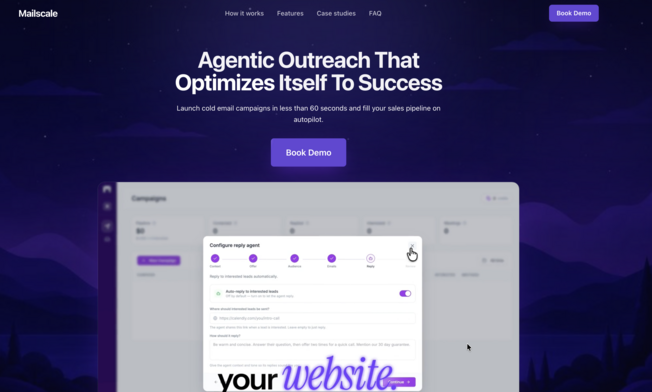
- The Hero Section: Focus on a strong H1 headline, a sub-text describing the benefit you provide, and a Primary CTA button. This button should link to your Calendar (from Post 3) or your main Services page (Step 2). I highlighted the hero section in the red box below. The hero section is the first part you see when going onto a website without the need to scroll. I highlighted what the hero section looks like in the red box in the image below.
To read the rest CLICK HERE






Leave a Reply